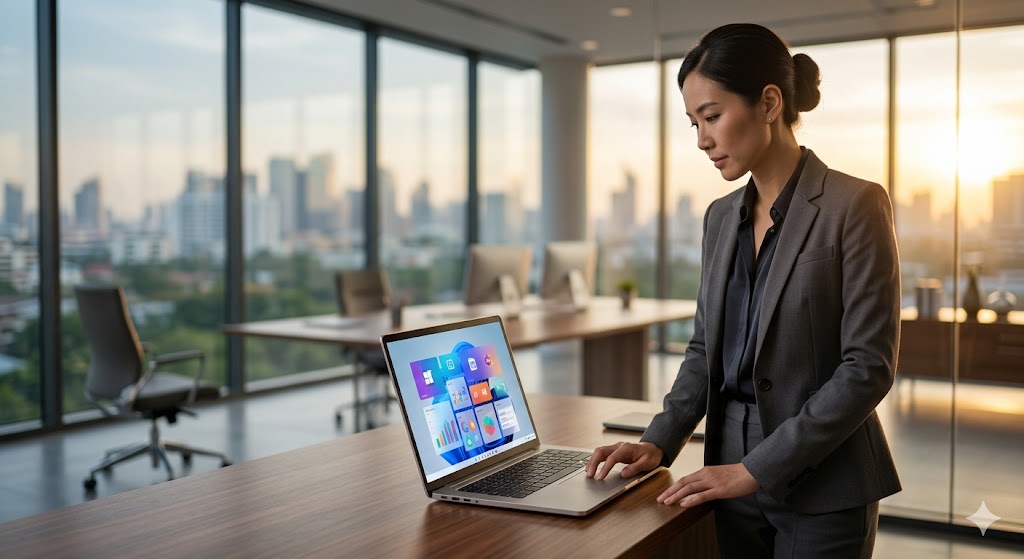
ยกระดับการทำงานยุคใหม่: ทำไมองค์กรชั้นนำถึงเลือกเช่า Cloud PC เพื่อรัน Windows 11
Modernizing Enterprise Workflows: Why Top Organizations Choose Cloud PC for Windows 11
企业现代化工作流:为何领军企业选择云电脑以流畅运行 Windows 11
ในยุคที่การทำงานแบบ Remote Work กลายเป็นมาตรฐานหลักขององค์กรขนาดกลางและใหญ่ การรักษาประสิทธิภาพและความปลอดภัยของข้อมูลเป็นโจทย์สำคัญที่ฝ่ายไอทีต้องเผชิญ การเช่า Cloud PC สำหรับองค์กรเพื่อรันแอปพลิเคชัน Windows 11 จึงเป็นโซลูชันที่ตอบโจทย์ความยืดหยุ่นและการบริหารจัดการทรัพยากรได้อย่างชาญฉลาด โดยเฉพาะเมื่อองค์กรต้องการความเสถียรระดับสูงและการเชื่อมต่อที่ไร้รอยต่อสำหรับพนักงานไม่ว่าจะอยู่ที่ใดก็ตาม
เทคนิคการเลือก Cloud PC ให้ตอบโจทย์องค์กร
การเปลี่ยนผ่านสู่เทคโนโลยีคลาวด์ไม่ใช่แค่เรื่องของความเร็ว แต่เป็นเรื่องของโครงสร้างพื้นฐานที่มั่นคง หากองค์กรของคุณกำลังวางแผนปรับโครงสร้างไอที การเข้าใจถึง ความแตกต่างระหว่าง Cloud Server กับ Dedicated Server จะช่วยให้คุณตัดสินใจเลือกทรัพยากรได้แม่นยำขึ้น
| ฟีเจอร์ | Cloud PC (Bare Metal) | Virtual Machine ทั่วไป |
|---|---|---|
| ประสิทธิภาพ | สูง (เน้นพลังประมวลผลเต็มที่) | ปานกลาง (แบ่งปันทรัพยากร) |
| การทำงาน | Windows 11 Pro แท้ | มักเป็น Windows Server |
| ความเสถียร | สูงมาก (CAT IDC) | ขึ้นอยู่กับ Hypervisor |
การประเมินงบประมาณและข้อควรระวัง
องค์กรมักพลาดในการลืมคำนวณค่าบริหารจัดการแฝง (Hidden Cost) การลงทุนเช่า Cloud PC ที่ NAXZA.COM ให้ความคุ้มค่าที่ชัดเจนด้วยราคาเริ่มต้นเพียง 800 - 1,500 บาทต่อเดือน โดยไม่ต้องกังวลเรื่องค่าบำรุงรักษาฮาร์ดแวร์ เพราะเราให้บริการบนเครื่อง Bare Metal 100% ที่วางอยู่ใน Data Center ระดับประเทศอย่าง CAT IDC (NT) มั่นใจได้ในเสถียรภาพตลอด 24 ชั่วโมง พร้อม Public IP แท้ที่ช่วยให้การเข้าถึงแอปพลิเคชันภายในองค์กรมีความปลอดภัยและรวดเร็ว
Pro Tip จากวิศวกร: ควรเลือกใช้ Cloud PC ที่รองรับการเชื่อมต่อผ่าน RDP แบบ Optimized เพื่อลดค่า Latency ในการใช้งานแอปพลิเคชันหนักๆ เช่น ERP หรือโปรแกรมบัญชี เพื่อประสบการณ์การใช้งานที่ลื่นไหลเหมือนนั่งทำงานหน้าเครื่องจริง
คำถามที่พบบ่อย (FAQ)
- ถาม: Cloud PC ที่ NAXZA ต่างจากที่อื่นอย่างไร? ตอบ: เราเน้นเครื่อง Bare Metal 100% รัน Windows 11 Pro แท้ ไม่ใช่ Windows Server จึงรองรับซอฟต์แวร์ทั่วไปได้ครอบคลุมกว่า
- ถาม: การเริ่มต้นใช้งานใช้เวลานานไหม? ตอบ: ด้วยประสบการณ์กว่า 20 ปี เราสามารถจัดเตรียมและส่งมอบเครื่องพร้อมใช้งานได้ภายในระยะเวลาที่รวดเร็วตามมาตรฐานองค์กร
- ถาม: รองรับการทำงานผ่านอุปกรณ์พกพาหรือไม่? ตอบ: รองรับเต็มรูปแบบ ทั้ง iPad, Mac และอุปกรณ์พกพาอื่นๆ ผ่านช่องทาง Remote Desktop มาตรฐาน
In an era where remote work has become the cornerstone of mid-to-large-sized enterprises, maintaining high performance and data security is a critical challenge for IT departments. Renting a Cloud PC for enterprise use to run Windows 11 applications offers a flexible and intelligent resource management solution, ensuring seamless connectivity for employees regardless of their physical location.
Strategies for Selecting Enterprise-Grade Cloud PC
Transitioning to cloud technology is not just about speed, but about establishing a robust infrastructure. If your organization is planning an IT overhaul, understanding the comparison between Cloud Servers and Dedicated Servers will help you make precise resource allocation decisions.
| Feature | Cloud PC (Bare Metal) | Standard VM |
|---|---|---|
| Performance | High (Dedicated Power) | Moderate (Shared Resources) |
| OS | Genuine Windows 11 Pro | Usually Windows Server |
| Reliability | Excellent (CAT IDC) | Depends on Hypervisor |
Investment Assessment and Expert Insights
Many organizations often overlook hidden management costs. Renting a Cloud PC from NAXZA.COM offers clear cost efficiency, starting at only 800 - 1,500 THB per month. Since we provide 100% Bare Metal machines housed in top-tier data centers like CAT IDC (NT), you eliminate hardware maintenance burdens. You receive a genuine Public IP, ensuring secure and fast access to your internal corporate applications with 24/7 uptime.
Pro Tip from our Engineers: Opt for Cloud PC solutions that support optimized RDP connections to reduce latency when running resource-intensive software like ERP or accounting tools, ensuring a user experience identical to working on a local workstation.
Frequently Asked Questions (FAQ)
- Q: How is NAXZA's Cloud PC different? A: We focus on 100% Bare Metal machines running genuine Windows 11 Pro, rather than Windows Server, ensuring better compatibility with standard software.
- Q: How long does the setup take? A: With over 20 years of experience, we provide rapid provisioning and deployment to meet strict corporate standards.
- Q: Does it support mobile devices? A: Yes, it fully supports access via iPad, Mac, and other portable devices using standard Remote Desktop protocols.
在远程办公成为大中型企业标准运营模式的今天,如何维持高性能与数据安全是IT部门面临的关键课题。为企业租用云电脑(Cloud PC)以运行 Windows 11 应用程序,提供了一种灵活且智能的资源管理方案,确保员工无论身处何地都能实现无缝连接。
选择企业级云电脑的专业策略
数字化转型不仅关乎速度,更关乎稳固的基础设施。如果您的组织正在规划IT架构升级,深入了解 云服务器与专用服务器的区别,将有助于您在资源配置上做出更精准的决策。
| 特性 | 云电脑 (裸金属架构) | 常规虚拟机 (VM) |
|---|---|---|
| 性能 | 高 (独享算力) | 中 (资源共享) |
| 操作系统 | 正版 Windows 11 Pro | 通常为 Windows Server |
| 稳定性 | 极高 (CAT IDC 机房) | 取决于虚拟化层 |
投资评估与专家建议
企业在规划时常忽略隐性维护成本。通过 NAXZA.COM 租用云电脑,每月仅需 800 至 1,500 泰铢,即可获得极高的性价比。我们提供基于 100% 裸金属硬件的服务,部署在泰国顶级的 CAT IDC (NT) 数据中心,免除了硬件维护负担。我们提供真实的公网 IP(Public IP),确保企业内部应用程序能够 24/7 安全、高速地访问。
工程专家提示:建议选择支持优化 RDP 连接的云电脑配置,以降低运行 ERP 或财务软件等重型应用时的延迟,确保操作体验与本地工作站无异。
常见问题解答 (FAQ)
- 问:NAXZA 的云电脑有何不同? 答:我们专注于提供 100% 裸金属服务器并运行正版 Windows 11 Pro,而非 Windows Server,因此与通用软件的兼容性更强。
- 问:部署时间长吗? 答:凭借 20 年的行业经验,我们能够实现快速配置与交付,满足企业严格的运营时间表。
- 问:支持移动办公吗? 答:完全支持,通过标准的远程桌面协议,可在 iPad、Mac 及其他移动设备上流畅访问。
ดีลเด็ดสินค้าไอทีที่ Advice Online 💻Best IT Deals at Advice Online 💻Advice Online 最佳 IT 优惠 💻
ศูนย์รวมคอมพิวเตอร์และอุปกรณ์ไอที ราคาถูกที่สุดTop destination for authentic computers, smartphones & IT accessories.购买正品电脑、智能手机和 IT 配件的首选地。